Part of IP Infusion's guide to 段路由.
Migrating from LDP to Segment Routing is one of the most common infrastructure projects facing service provider network teams. The good news: OcNOS supports a phased migration model where LDP and SR-MPLS coexist on the same network simultaneously, so operators can migrate one node at a time without service disruption or maintenance windows.
Why Migrate from LDP to SR?
| 能力 | LDP | SR-MPLS |
|---|---|---|
| Signaling protocol | Separate LDP sessions | None; the IGP distributes SIDs |
| Transit router state | Per-prefix label binding | Stateless; only node SIDs |
| 流量工程 | Not supported | SR-TE and Flex-Algo |
| 快速重路由 | LFA only (~60-80%) | TI-LFA (100%) |
| IGP synchronization | Complex (LDP-IGP sync) | Native; no sync needed |
| Operational complexity | High (two protocol stacks) | Low (IGP only) |
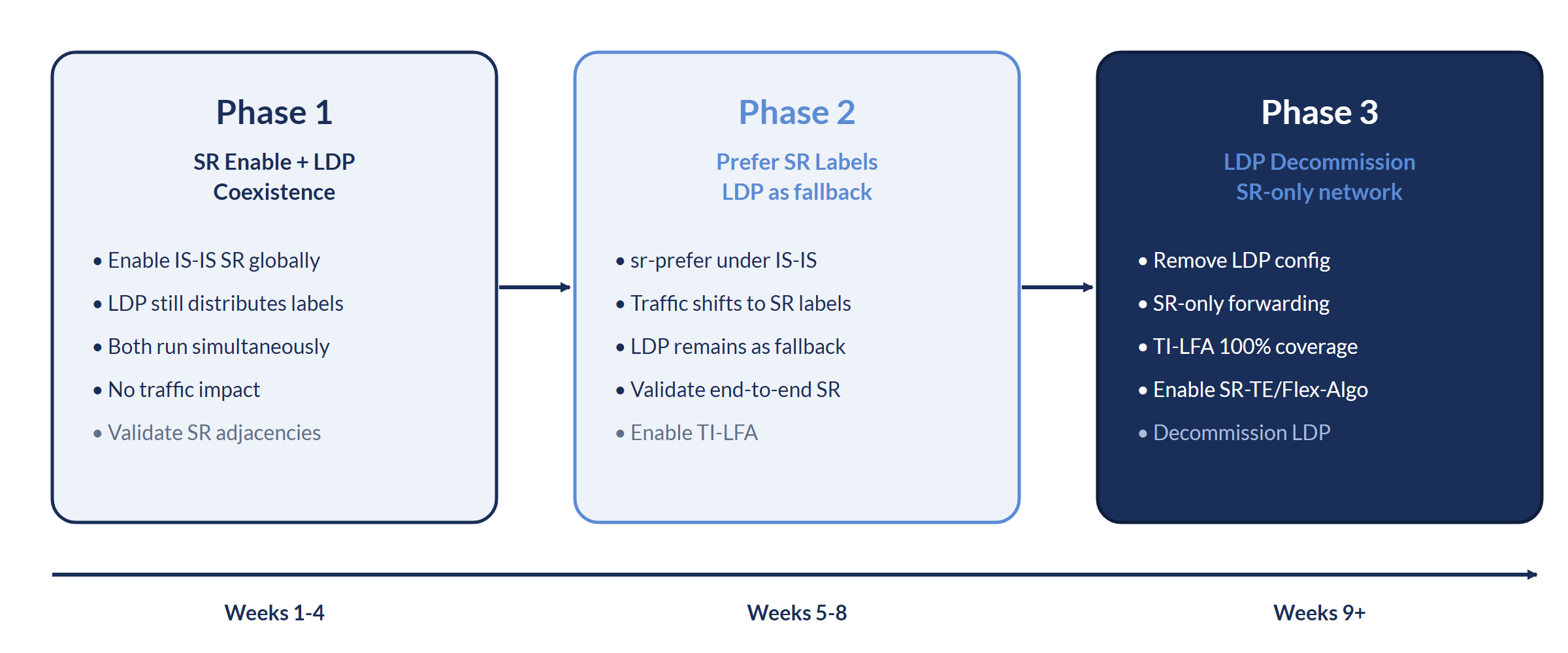
Migration Strategy: Three Phases
Run this post's commands in your browser
The OcNOS CLI Lab is a simulation of the OcNOS command line, set up with this post's network. There is nothing to install, and you can move and resize the lab window while you read.
打开 OcNOS CLI Lab
The lab opens in a window next to this post, set up with this post's network.
Phase 1: Enable SR with LDP Coexistence
In Phase 1, Segment Routing is enabled on the IS-IS domain while LDP continues to operate. Both protocols distribute labels simultaneously. Traffic continues to use LDP labels, so this phase is purely additive and carries zero risk.
! OcNOS Phase 1: enable IS-IS SR alongside existing LDP
!
! Step 1: assign a node SID on the loopback (new config, no traffic impact)
interface loopback1
 ip address 10.10.100.1/32
 prefix-sid index 101
!
! Step 2: enable Segment Routing under the IS-IS instance (non-disruptive)
router isis OCNOS
 is-type level-2-only
 metric-style wide
 net 49.0001.0000.0000.1111.00
 passive-interface loopback1
 mpls traffic-eng level-2
 segment-routing mpls
!
commit
end
!
! LDP stays fully operational. Both LDP and SR labels are now distributed.
! Verify SR is active alongside LDP:
show isis topology
show mpls forwarding-table       ! Code i = SR-ISIS FTN, L = LDP FTN
show mpls ilm-table
Phase 2: Prefer SR Labels (Traffic Cutover)
Phase 2 switches traffic from LDP labels to SR labels using the mpls sr-prefer knob under the global segment-routing context. LDP sessions remain active as a fallback during validation. This is the actual traffic migration step, and it can be applied per node and rolled back immediately if needed.
! OcNOS Phase 2: prefer SR labels, keep LDP as fallback
!
configure terminal
segment-routing
 mpls sr-prefer
!
commit
end
!
! Traffic now uses SR labels; LDP stays installed as a fallback.
! Verify SR is selected (Code i> = SR-ISIS FTN selected, LDP FTN retained):
show mpls forwarding-table
!
! Confirm end-to-end SR reachability across the core:
ping mpls isis-sr ipv4 10.10.100.5/32 detail
!
! LDP is still available as a fallback:
ping mpls ldp 10.10.100.5/32 detail
Phase 3: Decommission LDP
Once every node is preferring SR and traffic has been validated on SR labels, LDP can be removed. In OcNOS this is done per interface with disable-ldp ipv4; there is no global LDP-IGP sync knob to unwind. With SR now the sole label protocol, you can layer on SR-TE and Flex-Algo (see the Flex-Algo guide).
! OcNOS Phase 3: decommission LDP (SR-only operation)
!
! Disable LDP on each LDP-enabled interface (repeat across the core):
configure terminal
interface xe4
 disable-ldp ipv4
!
interface xe6
 disable-ldp ipv4
!
commit
end
!
! The box clears the LDP sessions, for example:
! LDP : CRITI : [LDP_SESSION_DOWN_2]: Clearing up session on interface xe4 with peer 10.10.100.2
!
! Final verification (only SR labels remain; FTN-ECMP LDP: Disabled):
show mpls forwarding-table
ping mpls isis-sr ipv4 10.10.100.1/32 detail
Rollback Procedure
If validation surfaces a problem during Phase 2, revert the label preference. Because LDP labels are still installed, traffic falls straight back to LDP.
! OcNOS: roll back Phase 2 (revert to LDP preference)
!
configure terminal
segment-routing
 no mpls sr-prefer
!
commit
end
!
! Traffic immediately reverts to LDP labels. Verify:
show mpls forwarding-table- Segment Routing Explained: SR-MPLS Fundamentals
- ISIS-SR with TI-LFA: Fast Reroute Guide
- Flex-Algo in OcNOS
- OcNOS-SP Product Page
- 联系 IP Infusion
IP Infusion Engineering Team
深入了解,随身带走。
产品数据手册,以及内容比本页更为深入的简明技术下载资料。
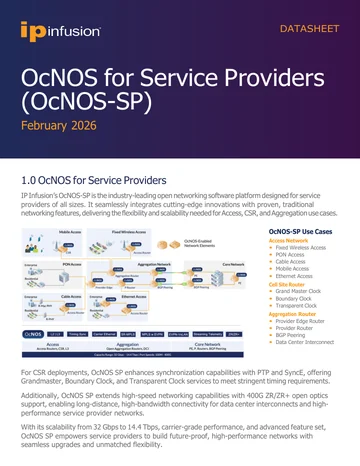
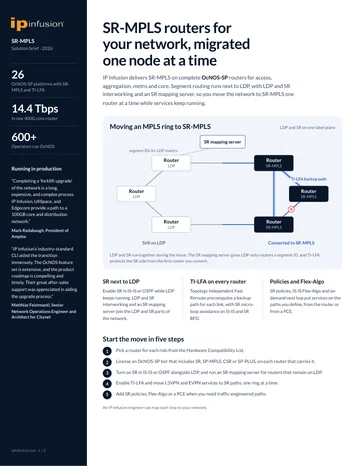
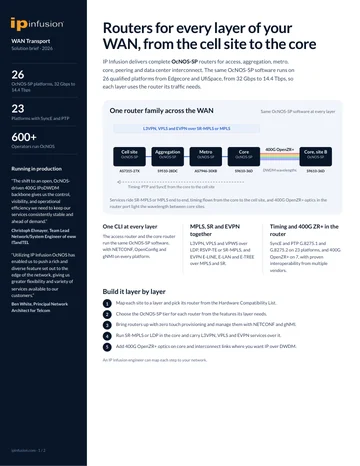
OcNOS-SP 数据手册
表单简短。提交后您的 PDF 将立即在新标签页中打开。
✓ 正在新标签页中打开您的 PDF……
如果未能自动打开,请使用下方链接。
使用 OcNOS 升级到 SR-MPLS
表单简短。提交后您的 PDF 将立即在新标签页中打开。
✓ 正在新标签页中打开您的 PDF……
如果未能自动打开,请使用下方链接。
云与服务提供商 WAN 传输
表单简短。提交后您的 PDF 将立即在新标签页中打开。
✓ 正在新标签页中打开您的 PDF……
如果未能自动打开,请使用下方链接。